Reimagining PLCs in the Age of AI
Explore the Agent's approach to building clarity, examining evidence, and supporting professional decision-making across PLCs.
The AI-PLC Agent supports educator-led collaborative inquiry. It brings Tasks, Success Criteria, student work, draft feedback, and instructional options into structured protocols so teachers and PLCs can examine evidence and plan together. Students do not log in to or interact directly with the Agent.
Why it exists
Teachers need time to examine what students have demonstrated and decide how to respond. The Agent helps organize that work and offers possibilities for the team to investigate. Its role is to support professional discussion, not settle what a learner knows or prescribe what a teacher must do.
We often describe the AI-PLC Agent as a calculator for PLCs. It helps teams work through evidence, consider patterns, and explore instructional possibilities. Educators bring the professional knowledge needed to interpret the results, challenge recommendations, and decide what happens next.
“What are students showing us?”
“What matters most?”
“What should we do next?”
What it is
The Agent is a protocol-based instructional-planning tool. Its outputs can include evidence summaries, possible misconceptions, task-specific band suggestions, feedback drafts, and instructional ideas. These are AI-generated contributions to educator inquiry, not a substitute for examining the work.
Review evidence from a task, consider possible feedback, and plan the next learning opportunity.
Work from shared Tasks and Success Criteria to examine patterns, discuss interpretations, and choose a collective response.
Support collaborative inquiry and professional learning. Do not use these reports as measures of teacher effectiveness or as a substitute for appropriate evaluation processes.
How it works
Provide authorized instructional inputs, check the criteria and student matches, and choose the protocol that fits the question. Use the PLC Assistant during the run to ask questions, refine guidance, and revise draft feedback while names remain masked. Review the completed report against the original evidence before using it.
Add a Task, Success Criteria, roster, and student work.
Verify the inputs, student matches, and privacy review.
Choose the protocol depth that fits the instructional question.
Review the findings, adapt the recommendations, and decide what happens next.
Educator review is part of the process, not just a final step. Through the PLC Assistant, teachers can explain where they disagree, request evidence or clarification, ask for a different set of strategies, and revise draft feedback while names remain masked. They review the completed report against the work, consider classroom context, and decide what feedback and instruction to provide. Educators determine actual classroom groups and revisit those decisions as new evidence becomes available.
For school and district leaders
These guides examine how AI can support educator-led inquiry, strengthen professional collaboration, and inform instructional leadership.
Explore the Agent's approach to building clarity, examining evidence, and supporting professional decision-making across PLCs.
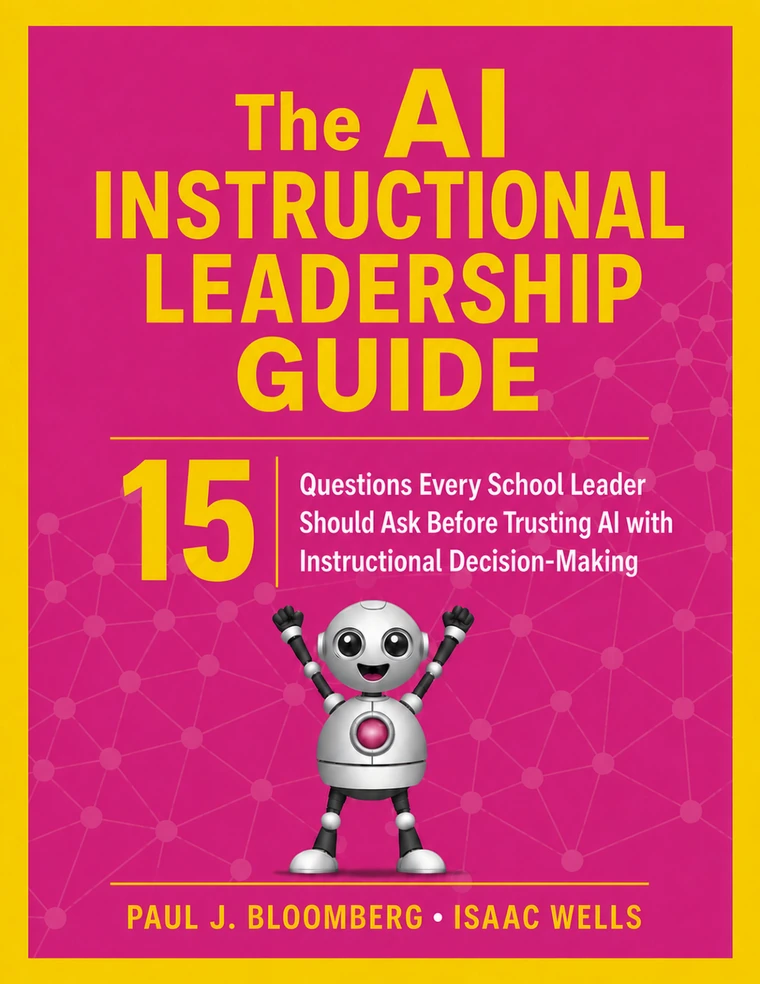
Fifteen questions for school and district leaders about AI risks, instructional coherence, professional judgment, and responsible implementation.
Start with the evidence your team already uses and see how a structured protocol can support the next instructional decision.
Get Started